Free studio money review
See money still owed and bills ahead.
Keep your studio money tasks in view. Review unpaid invoices and upcoming bills alongside income received and costs paid. Keep four separate totals, then choose one dated money action and one small client-research action.
Try it here without signup, or use the printable below. A private saved review is a separate option.
In this browser · no signup needed
Make your review here
Gather payment records, invoices and bills. Add each category separately, then enter its total. Use one currency, one review period and a review date. Received and paid cover that period; unpaid and upcoming show what is still open at the review date.
Entries stay only in this open page. Nothing is sent or saved. Reloading or leaving clears them; copy your note before you go. Nothing transfers to related tools or your private saved review. Copy puts the note on your device’s clipboard; Clear does not erase it.
Check the period, currency, amounts and both action dates before copying. Editing this note does not change the totals. Edit below, then copy it somewhere you choose to keep. Nothing is sent by Brindle.
Rowan’s review, in four separate lists
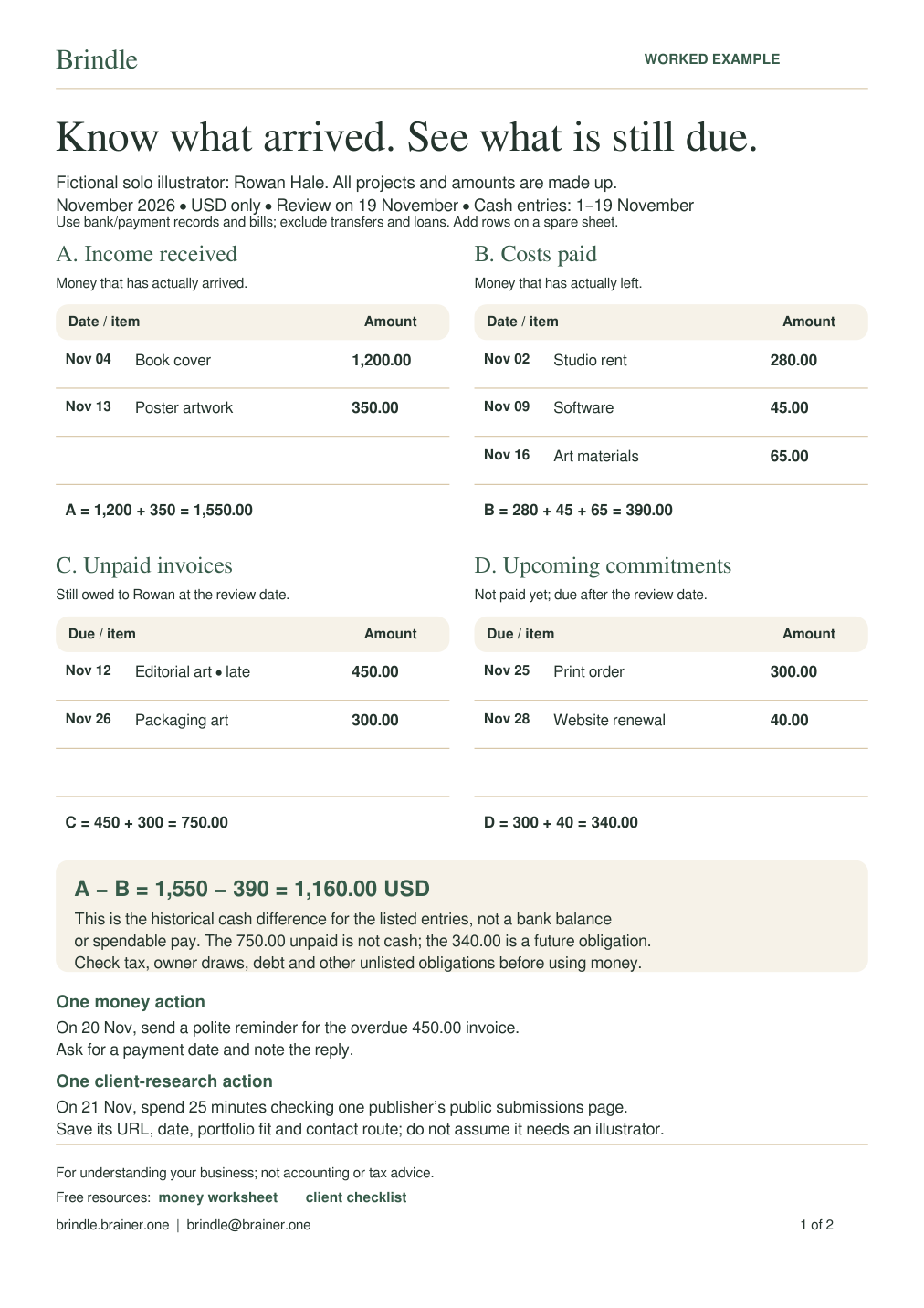
Rowan Hale is a fictional solo illustrator. All projects and amounts are invented, not typical earnings or a target. November 2026 · USD only · reviewed on 19 November · cash entries from 1–19 November.
Income received
Money that has actually arrived.
| Date / item | USD |
|---|---|
| Nov 04 · Book cover | 1,200.00 |
| Nov 13 · Poster artwork | 350.00 |
| Total | 1,550.00 |
Costs paid
Money that has actually left.
| Date / item | USD |
|---|---|
| Nov 02 · Studio rent | 280.00 |
| Nov 09 · Software | 45.00 |
| Nov 16 · Art materials | 65.00 |
| Total | 390.00 |
Unpaid invoices
Still owed at the review date; not received income.
| Date / item | USD |
|---|---|
| Due Nov 12 · Editorial art · overdue | 450.00 |
| Due Nov 26 · Packaging art | 300.00 |
| Total | 750.00 |
Upcoming commitments
Not paid yet; due after the review date.
| Date / item | USD |
|---|---|
| Due Nov 25 · Print order | 300.00 |
| Due Nov 28 · Website renewal | 40.00 |
| Total | 340.00 |
1,550 − 390 = 1,160 USD
Historical cash difference for the listed entries.
The 750 USD unpaid is not cash. The 340 USD is a future obligation. Neither is included in received minus paid. Check actual funds, tax, owner draws, debt and other unlisted obligations before using money.
One money action
On 20 November, send a polite reminder for the overdue 450 USD invoice. Ask for a payment date and note the reply.
Adapt a free invoice reminder →One client-research action
On 21 November, spend 25 minutes checking one publisher’s public submissions page. Save its URL, date, portfolio fit and contact route. Do not assume it needs an illustrator.
Use the free client-research checklist →Prefer to work on paper?
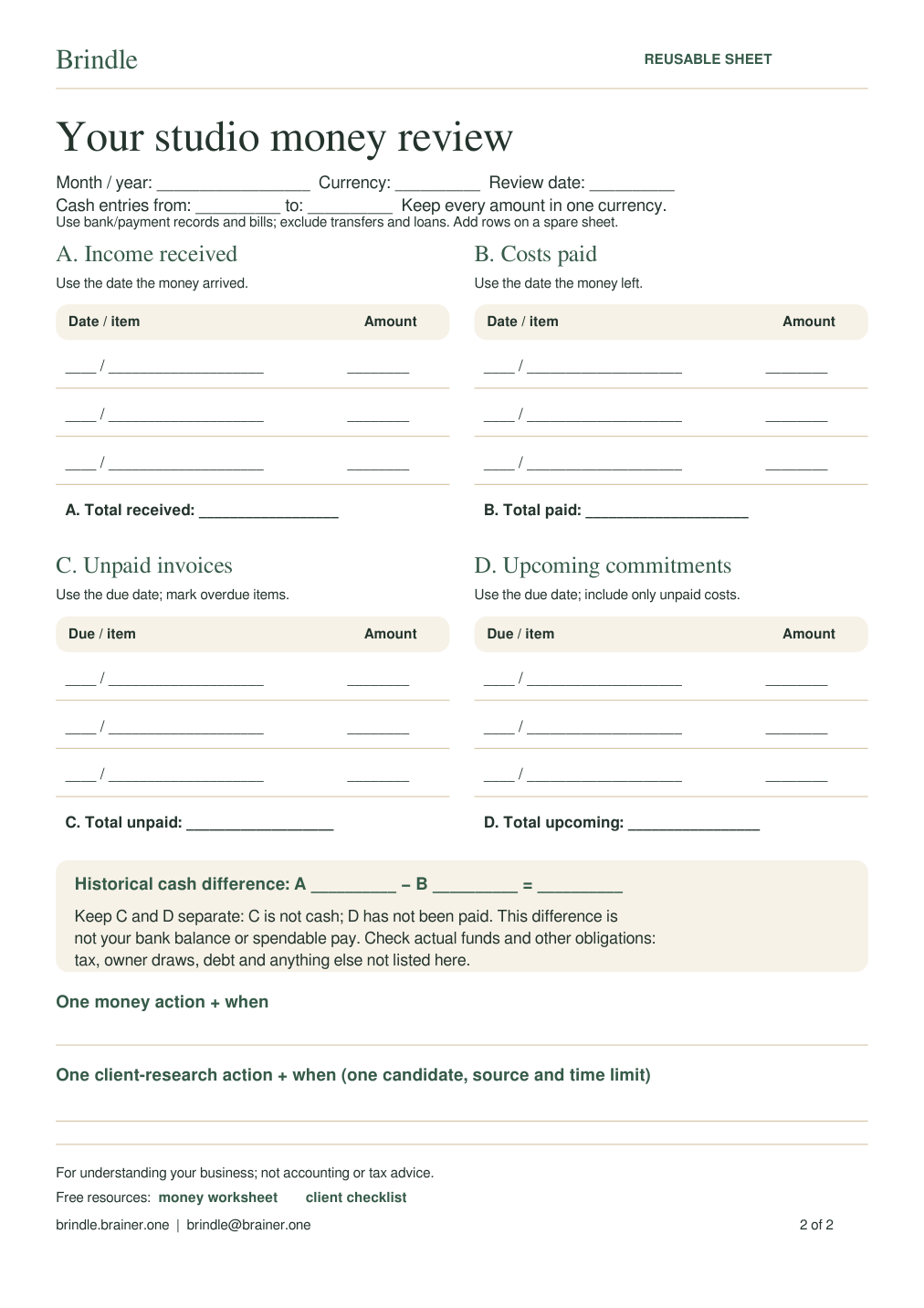
Download Rowan’s fictional example and a reusable blank review sheet. Keep four totals separate and write two dated actions.
Free A4 PDF · 2 pages · No signup needed. Print at actual size on A4, or choose “Fit” on US Letter. This is a printable, not an interactive fillable form; entries stay wherever you keep the sheet.
Have a question or feedback? Email brindle@brainer.one.
Want to keep a private saved review?
Use Brindle’s account-based Money & review screen to keep your money records and monthly actions. It is separate from this free browser review and printable. Sign in or create an account, then enter your records there; nothing from this page transfers.
Open the private saved review →An account is needed to save privately. Creating one does not start a payment.
Prefer a fuller paper routine? Explore the separate workbook →. It is an optional purchase, not needed for this review.
For the original income-and-costs sheet, open the free worksheet →. Or choose another free studio tool →.