Check extra work, prepare a quote, ask for an invoice payment update, review your money or research a potential client. These free tools are made with solo commercial illustrators in mind, and other independent creatives are welcome. Save or share this page for the next time you need a practical starting point.
All five resources are free. No account or email required. Open a browser tool or download a printable to fill in yourself.
01 / Browser tool + two-page printable PDF
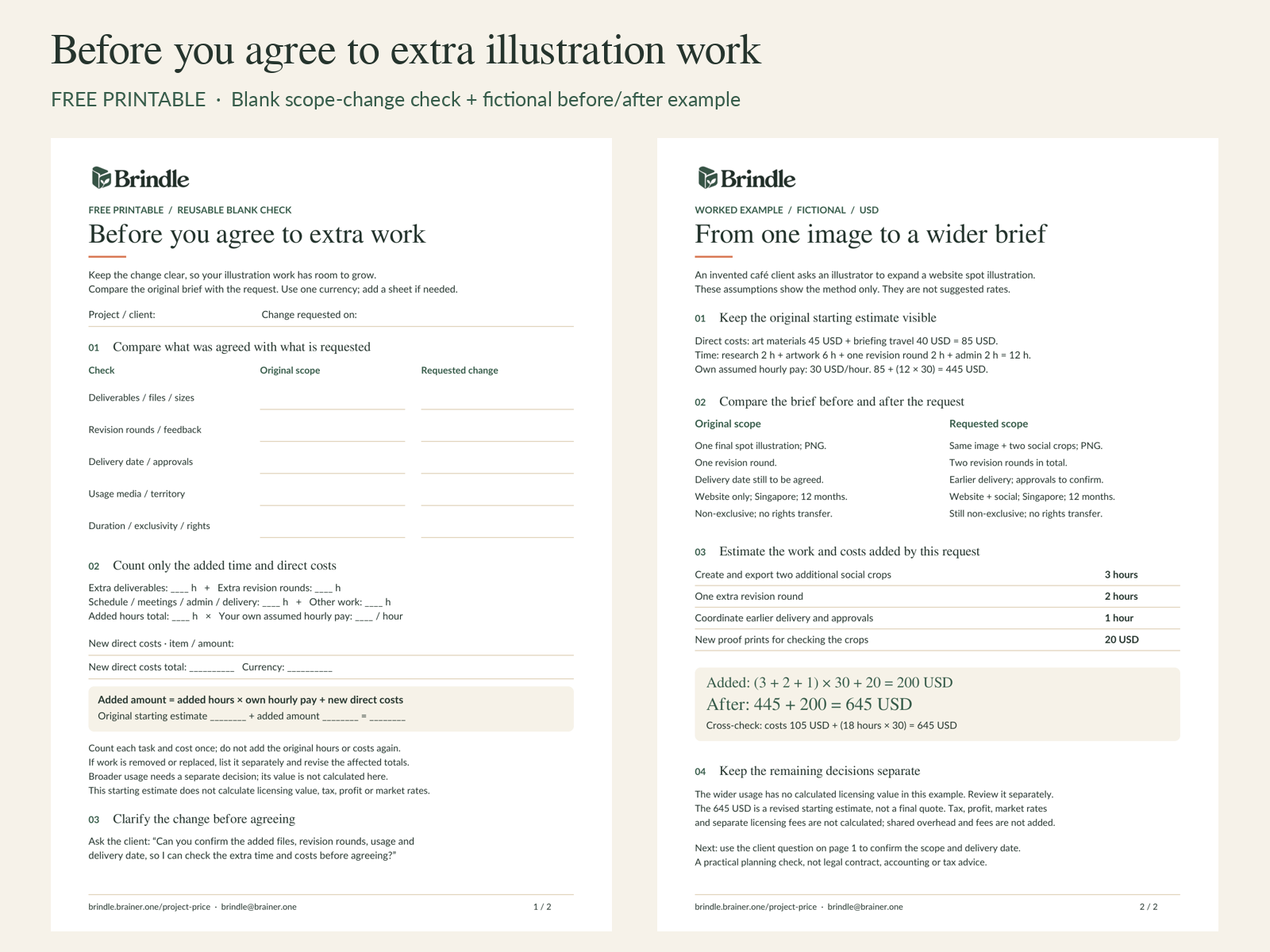
Check extra work before you agree
A client asks for more files, another revision round or an earlier deadline. Compare your original estimate with only the added hours and direct costs, then copy a message to clarify deliverables, revisions, timing and usage.
An added-work allowance, a revised starting estimate and a client message to adapt.
Actual scope-change printable · blank sheet + fictional example · View full size ↗
02 / Browser calculator + two-page printable PDF
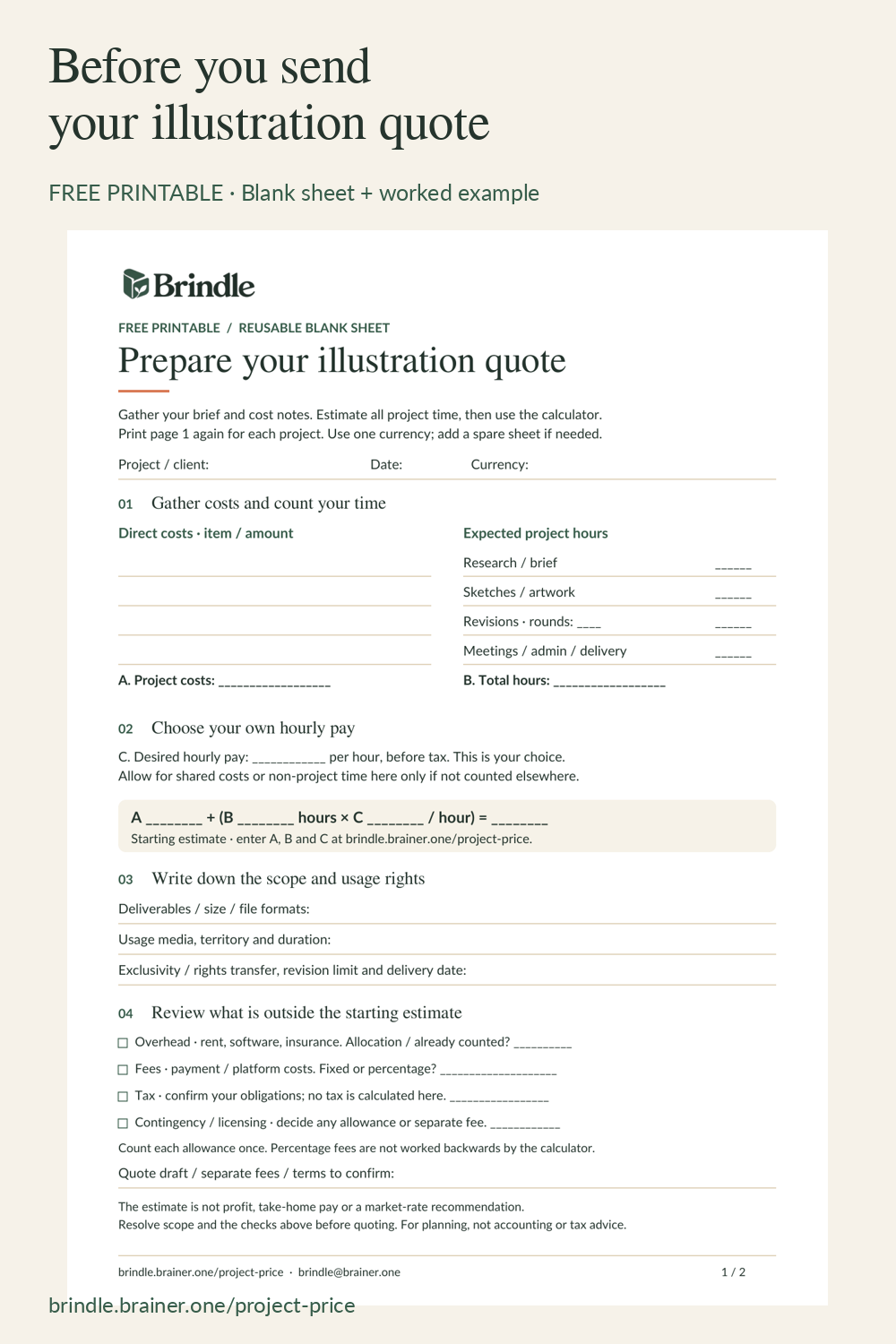
Prepare your original illustration quote
Gather direct costs and count research, artwork, revision and admin hours. Enter your own desired hourly pay, then review usage rights and costs outside the calculation before setting your quote.
A costs-plus-time starting estimate and a reusable quote-preparation sheet.
Actual quote worksheet · reusable blank sheet · View full size ↗
03 / Browser tool · editable plain-text messages
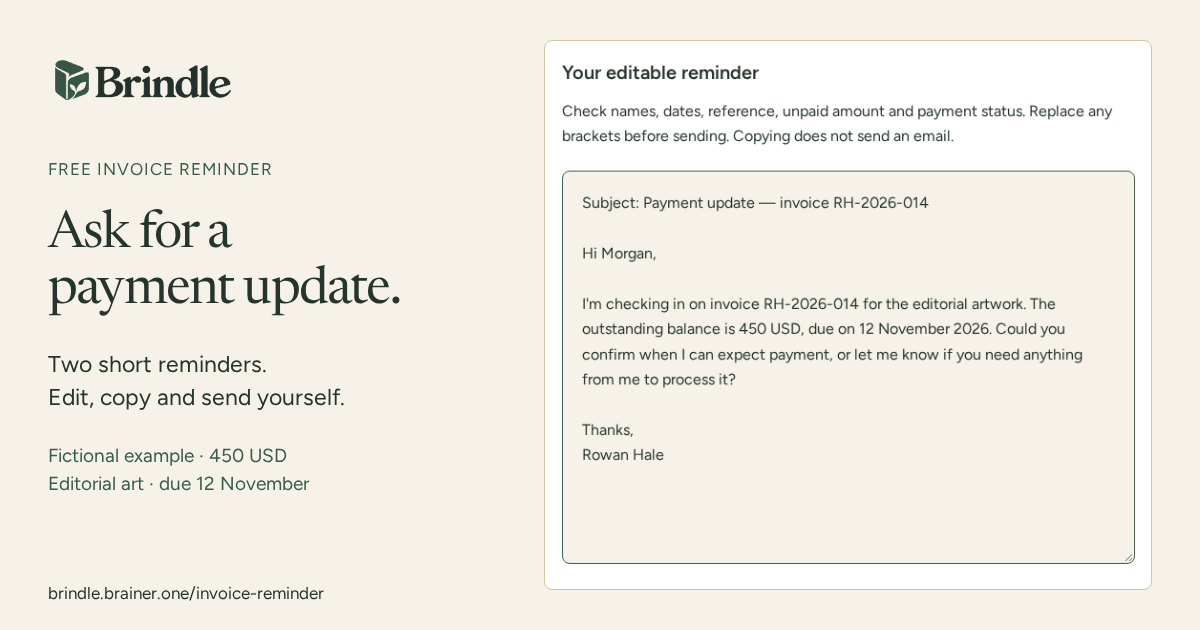
Ask for an invoice payment update
Check the agreed due date, balance, payment status and billing contact. Adapt a first overdue reminder or follow-up after a promised date, with optional local details or usable placeholders.
A short reminder you can inspect, edit and copy, then send yourself. Nothing is sent or saved by the tool.
Actual reminder tool · fictional invoice details · View full size ↗
04 / Browser tool + two-page printable PDF
Separate money received from money still owed
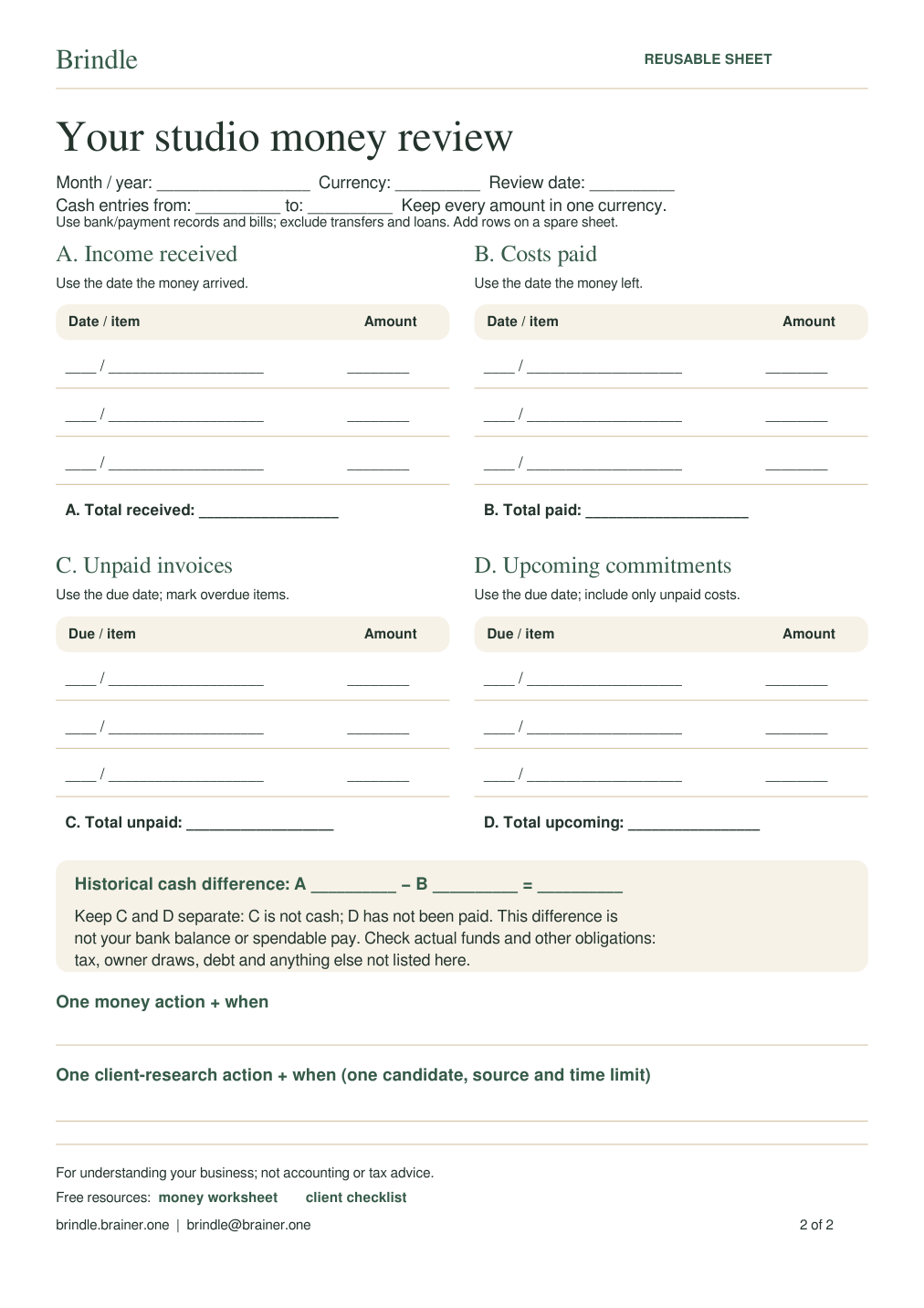
Enter received income, paid costs, unpaid invoices and upcoming commitments as four separate totals in your browser. Choose two dated actions, then inspect, edit and copy your review note. Or use the printable blank sheet.
Four separate totals, a received-minus-paid cash difference and two dated next actions: one for money and one for client research.
Actual money-review sheet · reusable blank sheet · View full size ↗
05 / Browser tool + three-page printable PDF
Check one potential client before pitching
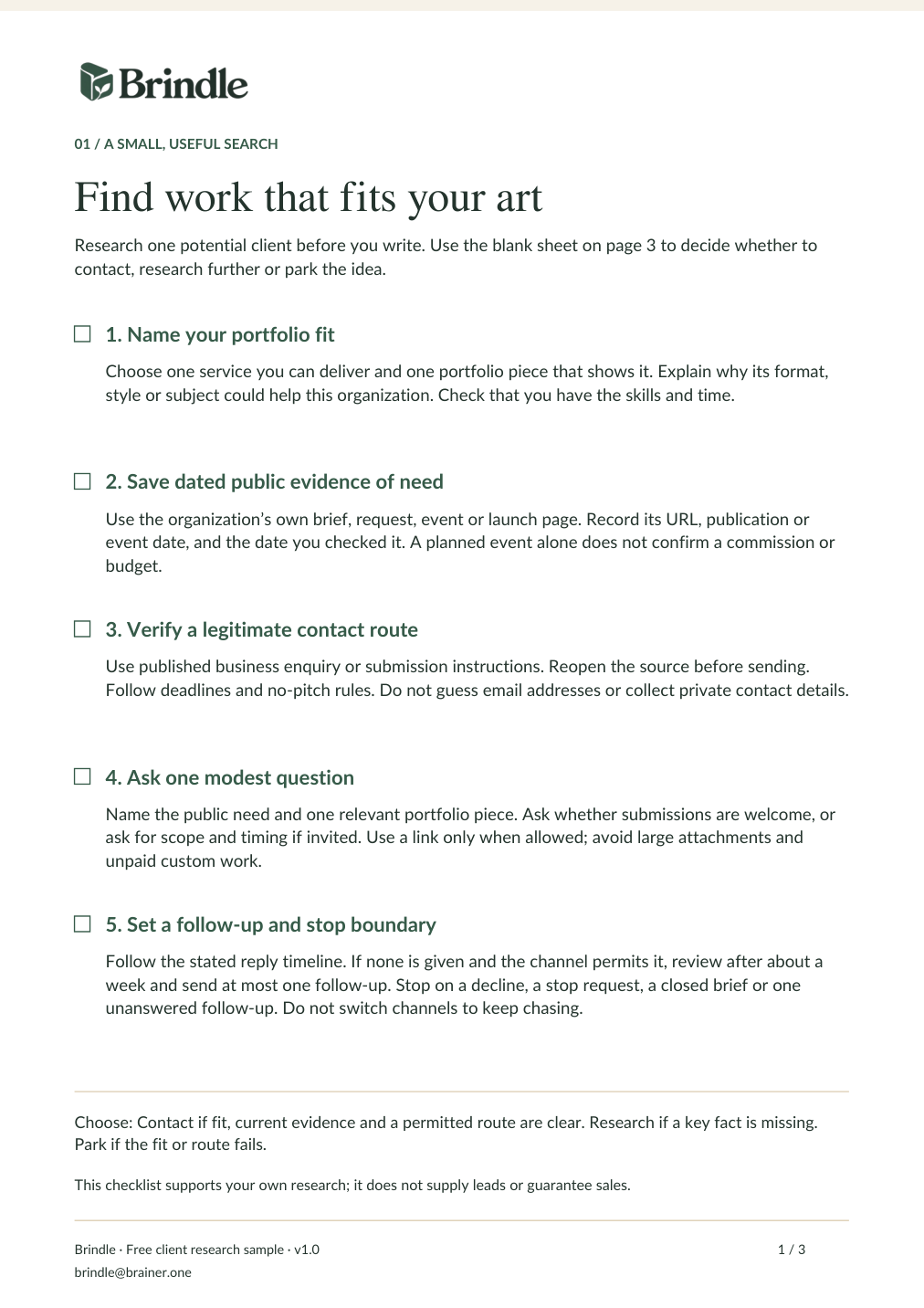
Research portfolio fit, dated public evidence of need and a permitted contact route. Use the five checks and fictional illustrator example, choose your own decision, then edit and copy a next-action note in your browser or fill in the printable.
A recorded contact, research-further or park decision, with a next action and follow-up boundary.
Actual client-research PDF · first checklist page · View full size ↗
Choose your next studio step
What should I do after a promised invoice payment date passes?
Get a clear payment update so you can plan your next money task. Check that the promised date has passed, the payment has not arrived and the balance is still owed. Ask the billing contact whether payment has been sent; if not, ask for a revised date. Note the reply before following up again.
Why keep unpaid invoices separate from received income?
See which money has arrived and which payments still need attention. An unpaid invoice is money still owed, not money received. Keep it in a separate total until payment arrives; then update the outstanding balance and record the receipt without counting it twice. Review paid costs and upcoming bills separately too.
What should I check before contacting one potential client?
Spend your client-search time on work that fits your portfolio and capacity. Check dated public evidence of need, the published contact route, any deadline and the contact or follow-up rules. Record unknowns before choosing to contact, research further or park the candidate. If pitches are prohibited, do not pitch; if permission is unclear, research first.
Keep going, if you need a place for the next review.
A private review in your browser
Want to see what a saved review looks like? Follow one fictional illustrator from four money totals to a payment follow-up and a researched-client action.
Brindle’s optional private browser app saves the money records and manually researched client shortlist you enter, so you can return to your review and dated actions. It does not import these tool inputs, reminders or printable entries. Creating an account does not start a payment.